Learning Has No Expiration Date
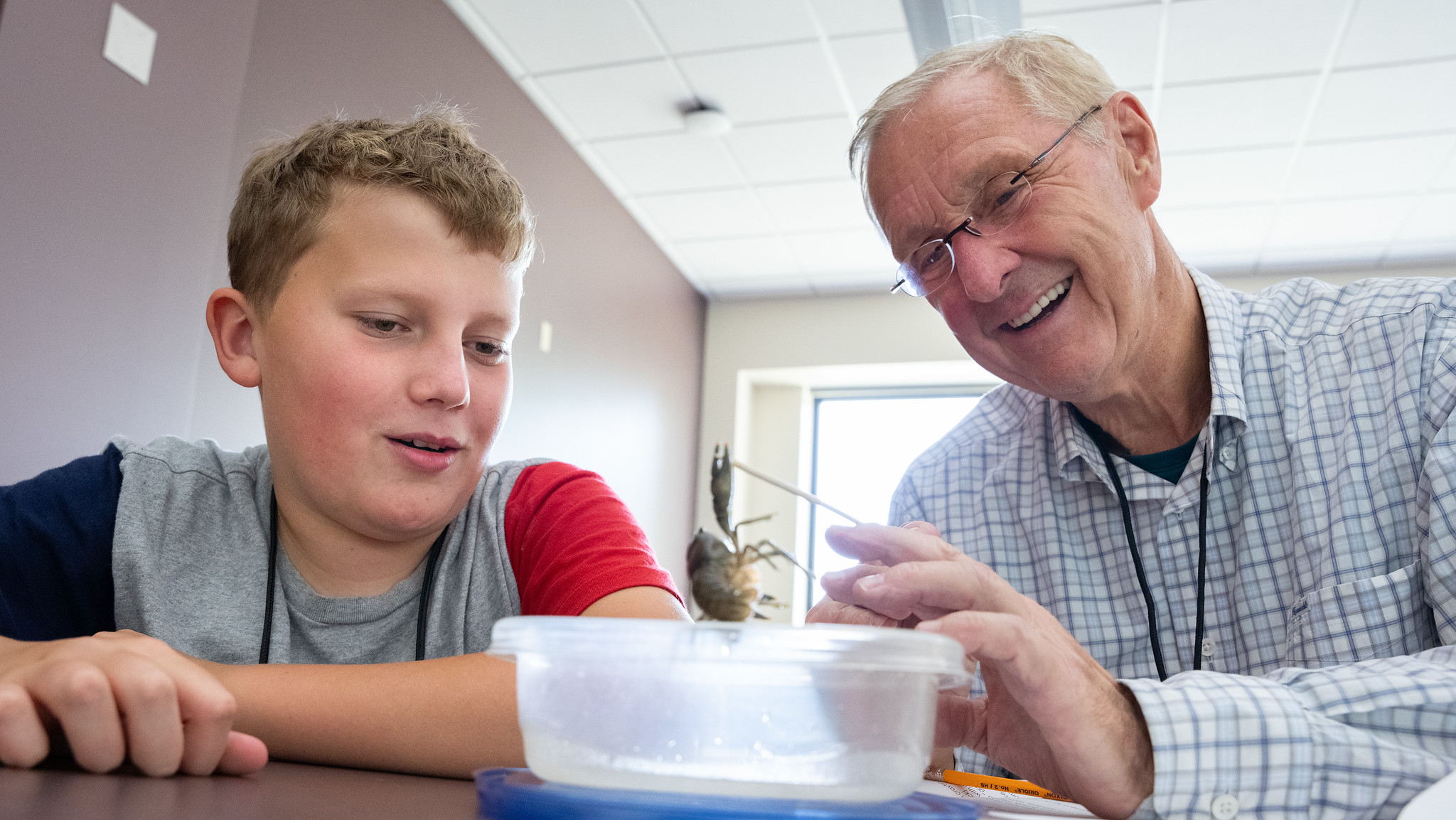
It’s Never Too Late to Explore Something New
Curiosity doesn’t retire—and neither should your opportunity to learn. Whether you’re pursuing a lifelong passion, exploring a new interest, staying engaged with current ideas or simply enjoying the experience of learning, UW-Oshkosh welcomes Wisconsin residents age 60 and older to continue their educational journey. Through the 60+ Student Auditor Program, eligible participants can attend select courses at no tuition cost on a space-available basis, gaining access to university classrooms, expert faculty and a vibrant learning community.
If you’re ready to challenge your mind, expand your perspective and discover something new, follow the steps below to get started.
Wisconsin residents (as defined by Wisconsin Statute 36.27(2)) who is 60 years of age or older by the start of the semester/term, may audit classes for free (student will be responsible to cover any special course fees), on a space available basis, in courses that are open to auditors and special students. If you are interested in participating in a course as a 60+ auditor, please use the following steps:
- Browse TitanWeb as a guest for the semester in which you’re hoping to take a course. TitanWeb will show you when a course meets, who the professor is, and a brief description of course material. Please refer to the TitanWeb help guides for assistance using TitanWeb.
- At the start of the term, come to the admissions office and request a University Special Student Auditor – 60 Plus application or click the link below. This application must be completed and signed on the first day of the term or no later than the course add deadline. A signature from the professor of your desired course is required to officially enroll.
- A valid ID is required to verify age at the time of application for first-time applicants.
- Special course fees or online fees may apply. Audit students must review their TitanWeb and UW-Oshkosh email account at the start of each term to ensure any special course fees or online fees associated with enrollment are paid in a timely manner.
For questions regarding the 60+ audit program, please contact us via email at admissions@uwosh.edu or by calling (920) 424-3164.
Class Enrollment Process
After being admitted, your first step is activating your UWO NetID and choosing a password. Once you activate your UWO NetID you will be able to access many of the online services that you will use during your time as a student.
Your UWO Student ID Number and email address, both of which you will use to activate your account, is noted in your acceptance email. Your NetID is the first portion (everything before the @) of your UW-Oshkosh Titan email address.
If you forget your password or ever have any issues logging in to a UWO platform, please contact our IT Help Desk at itservicedesk@uwosh.edu or 920-424-3020.
All incoming students have a Financial Agreement hold on their record. After activating your NetID, please log into TitanWeb to sign this agreement. Instructions on how to navigate to the financial agreement, and a link to TitanWeb, may be found on this page.
Once you have activated your NetID and removed the hold, please reach out Sue Jaeke in the Registrars office to coordinate course enrollment.
Please note that while tuition is waived for 60+ auditors, you will be responsible for any fees associated with the class(es) you enroll in. We do have some information regarding fees on this website. We also encourage you to reach out to your instructor to verify course fees for your specific class(es).
As a reminder, your status will only remain active for ONE semester. If you would like to audit another class next semester, you will need to submit another audit application prior to the start of the semester.
Additional Tips and Resources
It is important to check your Titan email often, as many offices will only communicate with you through this account. You will log in to your Titan email using your UWOP NetID and password. Find more information about your email account.
Canvas
Canvas is a digital learning platform that instructors utilize as a course tool. This tool allows instructors to communicate with the class, assign projects, give feedback, post grades, etc. Students can utilize Canvas to communication with their instructor, turn in course work, connect with their classmates, and even collaborate on projects. Most instructors do not add students to their Canvas class until the first week of class. You will log in to your Titan email using your UWOP NetID and password.
Textbooks
You may obtain your textbooks from University Books and More located in Reeve Memorial Union. Hours of operation can be found on the University Books and More website. Students are responsible for ordering textbooks and should do so prior to the first day of class. Note: Students will be required to put in their 7-digit student ID number if ordering online.
Parking
Parking information for all three UW-Oshkosh campuses can be found online on the Parking Services website. To purchase a parking permit in person, or if you have questions about your current parking permit, students can visit the Parking Services Office in the lower level of Blackhawk Commons
Contact Us
Undergraduate Admissions
Hours of Operation:
M-F, 8 a.m. – 4:30 p.m.
- admissions@uwosh.edu
- 920-424-3164
- 135 Dempsey Hall
Take the Next Step
You’re closer than you think to a life-changing college experience.